


Canva is the perfect tool for setting up your brand with ease. With a variety of images, templates, effects, and animations, there is no limit to what you can do.
A free visual content tool which is user friendly and fun to use. It even has a library stocked with pre-designed and pre-sized templates, specifically tailored for each social media platform.
We’re going to show you an example of how to get the best out of Canva for your own brand.
Setting up your profile
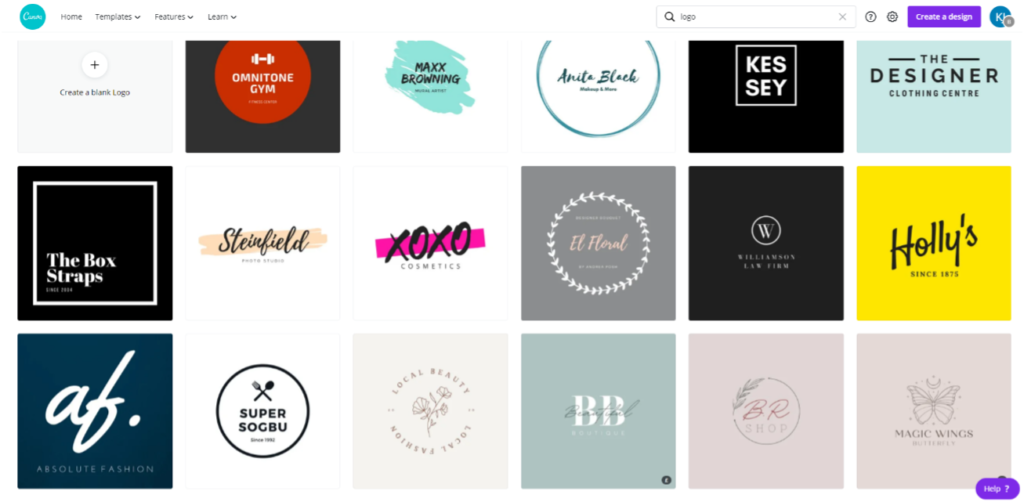
Setting up your profile is easy with Canva: With logo templates and colour schemes, you can brand or rebrand with a click of the button!
Consistency
With Canva, it allows you to set up your own brand colours, letting you to stay consistent with every post, newsletter, or Instagram story.
They even group similar looking elements and symbols together, so that when you design your Instagram post, presentation, or infographic, you can be sure keep your design consistent with your brand.


Canva also has endless choices of typography so that you can find the perfect font for your brand and stay consistent across all platforms.
You can also link Canva to your Mailchimp account to create impacting graphics to send straight to your customers’ inbox!
Enhance your posts
As mentioned in our previous blog post (Link to blog) creating visually appealing posts, infographics or stories are vital for audience engagement – and what better way to catch the readers eye than to animate your image?

If you want to advance your skills in Canva, they have reams of tutorial videos and blogs to keep you up to date with the latest social media design trends, so you can keep engaging and increasing your audience!